Banks - All › Banks
How to Switch Banks Without Bouncing a Payment
Most people do not leave a bank in anger. They leave in stages. First a monthly fee appears where none used to be. Then an out-of-network ATM costs nearly five dollars. Then a branch closes, an app frustrates, or a new account somewhere else pays real interest on savings. The decision is easy. The execution is where people get hurt — not because switching is complicated, but because a modern checking account is not one account. It is a hub with a dozen spokes, and every spoke is a separate instruction held by a separate company.
Close the hub before you move the spokes and something will bounce. A mortgage autopay will hit a closed account. A paycheck will be returned to an employer. A small subscription you forgot will generate a returned-payment fee and, in the worst version, a mark that makes the next account harder to open. Do it in the right order, and switching is dull.
The Consumer Financial Protection Bureau publishes a short checklist for moving a checking account. Its logic is the logic of this whole guide: open the new account first, list every automatic deposit and withdrawal, change direct deposit, move payments only after you know when the first deposit will land, leave money behind to cover what has not cleared, transfer the rest, and close the old account last, with written confirmation. Everything below is that sequence, expanded with the timing, the traps, and the federal rules that protect you when something still slips.
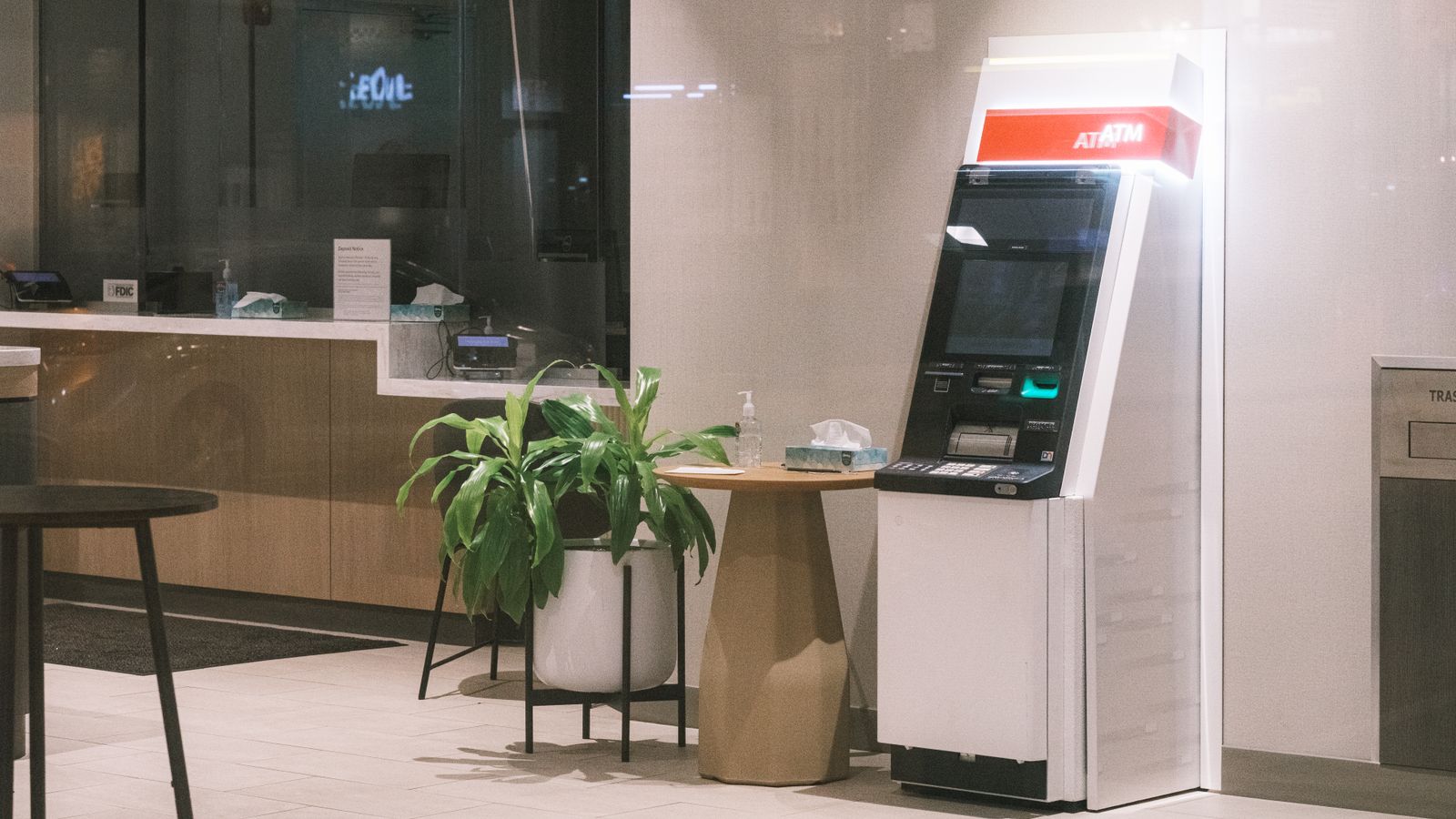
Why people stay, and what staying costs
It is also, increasingly, an expensive one. Bankrate's 2025 Checking Account and ATM Fee Study, which surveyed 245 institutions between June 2 and July 3, 2025, put the average total cost of an out-of-network ATM withdrawal at a record $4.86 — a $3.22 surcharge from the ATM owner plus $1.64 from your own bank. The average overdraft fee was $26.77, charged on 94 percent of accounts surveyed. The average nonsufficient funds fee was $16.82. Interest checking carried an average monthly fee of $15.65, avoidable only with an average minimum balance of $10,705 — a record high in that study. Nearly half of non-interest checking accounts, 47 percent, charge no monthly fee at all, which tells you the spread matters more than the average: some people pay nothing, and some people pay for the privilege of keeping five figures parked to avoid a fee.
Step one: open the new account, and prove it works
Open the replacement account before you touch a single payment instruction. You need a destination that exists: a routing number, an account number, a debit card on its way, online access that lets you sign in, and alerts turned on.
Verify the new institution before you fund it. Deposits at an FDIC-insured bank are covered up to $250,000 per depositor, per bank, per ownership category; credit unions carry the equivalent cover through the NCUA. The FDIC's BankFind tool will confirm a bank is insured — worth thirty seconds, because fake-bank scams exist and because a switch is the one moment you are actively looking for a new place to send a paycheck.
Fund the new account with a starter amount, not your whole balance. You are testing pipes, not moving house yet. Make a small deposit, confirm it posts, confirm you can see the correct routing and account numbers inside the bank's own secure details — not on a debit card, which is a different number — and download or save the bank's direct-deposit form if it offers one.
Step two: build the inventory — a full year, not a month
This is the step that decides whether the switch works. Pull statements from the old account for at least three months, and ideally twelve. A month shows you rent and utilities. A year shows you the annual insurance premium, the domain renewal, the tax-preparation charge, the holiday-season charity debit — the irregular items that are precisely the ones people forget, and precisely the ones that bounce in month two, after they have confidently closed the old account.
Make two lists.
Money in: salary and any split deposits, side-income payouts, pensions and annuities, Social Security and other government benefits, tax refunds, transfers in from savings or brokerage accounts, and payments from apps and marketplaces.
Money out: rent or mortgage, utilities, phone and internet, insurance premiums of every kind, loan and credit-card autopays, subscriptions and memberships, charitable debits, automatic savings and investment transfers, and — separately, in red if you can — paper checks you have written that have not yet cleared.
For each item, write down who holds the instruction, the amount or range, the usual date, and how the change is made. That last column matters, because not every payment is changed in the same place:
| Payment | Where the instruction lives | What you actually change |
|---|---|---|
| Paycheck direct deposit | Your employer or its payroll provider | The payroll portal or a signed direct-deposit form |
| Social Security benefits | The Social Security Administration | Your my Social Security account, by phone, or through your bank |
| A biller pulling by ACH | The biller — utility, lender, insurer | The payment method inside that biller's own account |
| Bill pay set up at your old bank | Your old bank | Cancel it there; recreate it at the new bank |
| A subscription on your debit card | The merchant | The card on file — a new card number, not a bank account number |
| Zelle, Venmo, PayPal, Cash App links | Each app | The linked bank account inside each app's settings |
That distinction — biller-pull versus bank-push — is the most common source of double payments and missed payments alike. If a utility pulls from your account, changing your bank's bill-pay screen does nothing. If your bank pushes a payment, changing the utility's website does nothing. Know which mechanism each payment uses before you change it.
Step three: move the money coming in, first
Redirect deposits before debits. Always. A payment can only bounce out of an account that has been asked to pay it; income arriving early in the new account is what funds everything that follows.
Start with payroll. Submit the new direct-deposit form or update the payroll portal, and ask — in writing, if the system allows — which pay date will be the first to use the new account. Expect one to two pay cycles for a change to take effect. Until a paycheck has actually landed in the new account, assume the next one is still going to the old account, because often it is.
Government payments run on their own clocks, and they reward patience. Social Security's own guidance to beneficiaries has long been to keep the old account open until a payment has been sent to the new account, noting that a change can take one to two months to work through. You can update Social Security direct deposit through a my Social Security account, by phone, or through your bank's automated enrollment. Supplemental Security Income recipients face tighter limits on online changes, so plan extra time and use the phone or an office if the website will not let you do it. The rule for every benefit, refund, and pension is the same: the old account does not close until one full payment has arrived in the new one. Not a promise that it will. An arrival.
Step four: move the money going out — after the first deposit lands
The CFPB's sequence is deliberate here: once you know the date of the first direct deposit into the new account, arrange for automatic debits to be made from the new account starting after that date, then cancel the debit from the old account so the bill is not paid twice.
Work through your inventory in risk order, not alphabetical order:
- Housing and loans first — rent, mortgage, car and student loans. A missed payment here can mean late fees and credit-report damage, not just embarrassment.
- Utilities, phone and insurance next — the services that can be interrupted, and the premiums whose lapse is expensive to undo.
- Credit-card autopays — especially any set to pay the full statement balance, because the amount varies and a failure is both a late fee and interest.
- Subscriptions and memberships last — annoying if they fail, rarely damaging, and useful as canaries: if a $12 streaming debit still hits the old account in week three, your inventory missed something.
Leave a cushion in the old account through all of this. The CFPB says it plainly: leave enough to cover checks that have not cleared and automatic payments that have not yet taken place. How much is a judgment call, but a sensible floor is the total of your outstanding checks plus one cycle of the largest single autopay still pointed at the old account. The cushion is not wasted money. It is the insurance premium on the whole switch, and it comes back to you at the end.

The overlap: run both accounts for one to two cycles
Plan to run the old and new accounts side by side for at least a month, and more comfortably for two statement cycles. That overlap feels untidy. It is the entire safety system.
During the overlap, watch both accounts. Set low-balance and transaction alerts on each. Every few days, reconcile against your inventory: has each deposit arrived where it should? Has each debit left from where it should? Tick items off only when you have seen them post, not when you have submitted a form. Submission is intention. Posting is fact.
Expect strays. A biller will apply a change a cycle late. A paycheck split will land in the old account once more. This is normal, and it is why the old account is still open and funded. A switch with no strays is luck; a switch that survives strays is design.
If a payment goes wrong anyway
Know the federal backstop before you need it. Under Regulation E, 12 C.F.R. § 1005.10, you may stop payment on a preauthorized electronic fund transfer by notifying your financial institution orally or in writing at least three business days before the scheduled date of the transfer. The bank may require written confirmation within 14 days of an oral order, and an oral order can cease to be binding if you do not provide it — so make the call early and send the confirmation the same day.
Two limits matter. First, stopping a payment does not cancel the underlying contract: if you owe a gym or a lender, you still owe it, and you need to settle that with the company separately. Second, timing is everything — a notice the day before a debit is, under the rule, too late to compel the bank to stop it.
Step five: close the old account — properly, and in writing
Close only when a full cycle has passed with nothing posting to the old account: no deposits, no debits, no stray subscription. Then:
- Download statements and any tax documents you will need later. Access can end or get harder after closure, and you will want records at tax time.
- Transfer the remaining balance to the new account — electronically, by check, or by cashier's check for a large sum.
- Ask the bank to close the account, and get written confirmation that it is closed. The CFPB recommends exactly this, and it is your proof if a fee or a debit surfaces later against an account you believed was gone.
- Destroy unused checks and the old debit card. An account number on paper in a drawer is a small, unnecessary risk.
A realistic calendar
| When | What happens |
|---|---|
| Week 1 | Open and fund the new account; verify insurance, access and alerts; build the twelve-month inventory |
| Week 1–2 | Submit payroll and benefit changes; note the promised first-deposit dates |
| Weeks 2–4 | First redirected deposit lands; move housing, loan, utility, insurance and card autopays to start after it |
| Weeks 4–6 | Watch both accounts; tick off each item as it posts in the new place; catch strays in the old account |
| Weeks 6–8 | One silent cycle on the old account; download records, transfer the remainder, close in writing |
Finding the new bank in the first place
A directory is a map, not a verdict. This site's underlying listings are heavily weighted toward everyday banking infrastructure — 7,521 listings tagged for ATMs and 2,632 listed simply as banks, alongside thousands more tagged for business banking and investment services — which is a useful reminder of what to compare: not a logo, but a network. Count the in-network ATMs you would actually use. Read the fee schedule for the specific account, not the marketing page. Check what waives the monthly fee and whether you will meet that condition in a bad month, not a good one. And confirm, before the first paycheck moves, that the account does the unglamorous things your old one did: mobile deposit, bill pay, person-to-person payments, and alerts you can set at thresholds you choose.
Switch banks the way you would change the locks: new one fitted and tested before the old one comes off. Open first, inventory honestly, move income before outgo, overlap longer than feels necessary, and close last — in writing. Do that, and the only evidence of the switch, a month later, will be a better statement.
Sources
- Consumer Financial Protection Bureau, "Moving your checking account" — checklist for opening the new account first, listing automatic payments and deposits, changing direct deposit, leaving funds to cover uncleared items, transferring the remainder and closing with written confirmation. https://www.consumerfinance.gov/consumer-tools/bank-accounts/moving-your-checking-account/
- Bankrate, "ATM Fees Hit Record High for Third Consecutive Year" (September 10, 2025) — 2025 Checking Account and ATM Fee Study: $4.86 average out-of-network ATM cost, $26.77 average overdraft fee, $16.82 average NSF fee, $15.65 average interest-checking monthly fee and $10,705 average balance to avoid it; survey of 245 institutions, June 2–July 3, 2025. https://www.bankrate.com/press-releases/atm-fees-hit-record-high-for-third-consecutive-year/
- Regulation E, 12 C.F.R. § 1005.10, via the Consumer Financial Protection Bureau — a consumer may stop payment on a preauthorized electronic fund transfer by notifying the institution orally or in writing at least three business days before the scheduled date; written confirmation may be required within 14 days. https://www.ConsumerFinance.gov/rules-policy/regulations/1005/2016-11-14/10/
- Social Security Administration, POMS NL 00720.130 — keep the old account open until a payment is sent to the new account; a direct-deposit change usually takes 1 to 2 months. https://secure.ssa.gov/apps10/poms.Nsf/lnx/0900720130
- Photo by Alec Adriano, https://www.pexels.com/photo/36328523/
- Photo by kaboompics, https://www.pexels.com/photo/person-counting-cash-money-4475523/